
3D-modellering
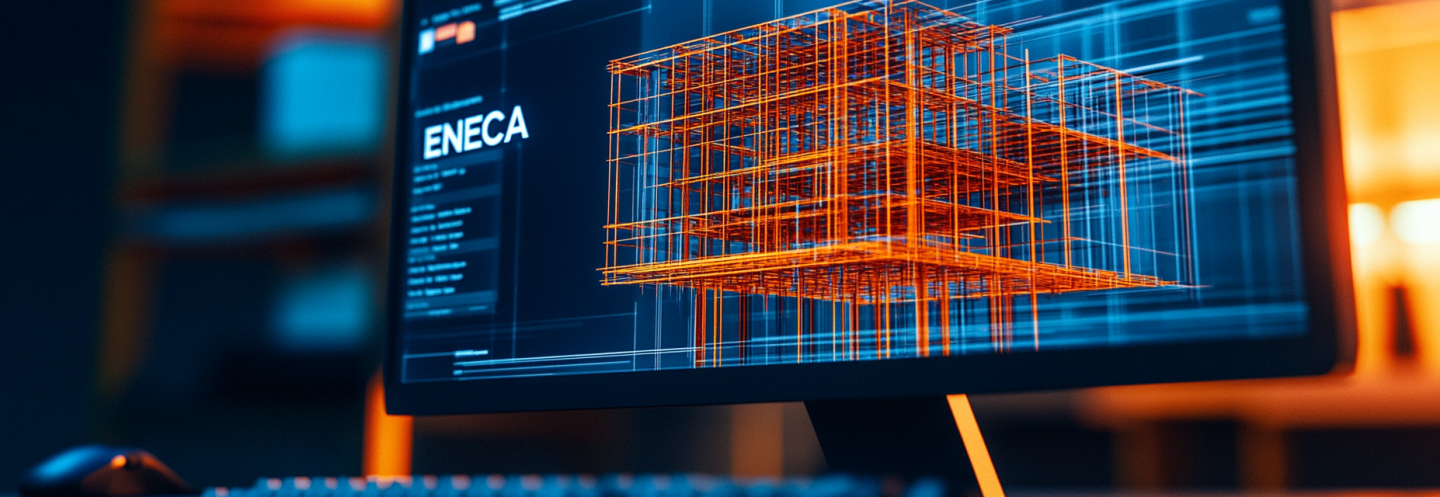
3D-informatiemodellering vormt de basis voor alle volgende fasen van het BIM-ontwerp. Het biedt een gedetailleerde visualisatie van architectonische, constructieve en installatietechnische oplossingen, waardoor specialisten mogelijke conflicten tussen disciplines eenvoudiger kunnen opsporen. Dit bevordert de communicatie tussen de deelnemers aan het ontwerpproces en verbetert de algehele kwaliteit van het ontwerp.
BIM-ontwerp
BIM — Building Information Modelling
Vandaag worden alle ENECA-projecten volledig ontwikkeld in BIM, waarbij elke discipline wordt uitgewerkt tot LOD 400. BIM wordt toegepast op zowel kleinschalige projecten als op grote complexe projecten, waaronder projecten van meer dan 100.000 m².
Bij ENECA is BIM meer dan technologie — het is een strategische bedrijfswaarde die de manier waarop projecten worden ontworpen, gebouwd en beheerd, fundamenteel verandert. BIM stelt ons in staat het planningsproces te optimaliseren, clashes te minimaliseren en het eindproduct te visualiseren — zowel voor onszelf als voor onze opdrachtgevers.
Wij verbeteren onze vaardigheden continu, rekening houdend met de beste professionele praktijken en nieuwe technologieën binnen de BIM-wereld. Dit stelt ons in staat innovatieve oplossingen te vinden, routinetaken te automatiseren en risico's in projectontwikkeling te reduceren. ENECA investeert voortdurend in automatisering en AI-ondersteund ontwerp om snellere en betrouwbaardere oplossingen te leveren.
Wij bundelen de expertise van BIM-managers, BIM-coördinatoren, BIM-programmeurs en ingenieurs die rechtstreeks ontwerpen in BIM-software.
Als expert in BIM-ontwerp en -technologie biedt ENECA haar klanten de volgende diensten:
- BIM-modelling
- Ontwikkeling van plugins en scripts
Maak gebruik van onze BIM-calculator voor een voorlopige kostenraming van uw project:
BIM-calculatorOfferte aanvragen
Verstandige
aanpak
aanpak
De projecten die door ons bedrijf worden ontwikkeld, maken zelfs de meest ambitieuze architectonische en technische ambities eenvoudig realiseerbaar. Ontwerpervaring in uiteenlopende vakgebieden is al meer dan 20 jaar de kernspecialisatie van ENECA. Wij zijn er om unieke en technologisch geavanceerde projecten te realiseren met behulp van BIM.
BIM-diensten:
BIM-diensten:
- Ontwerp
- Bouw
- Onderwijs
- IT
- Industrie
- Energie
- Vastgoedontwikkeling
Ontwerp waarbij gebruik wordt gemaakt van geavanceerde BIM-technologieën op elk niveau van LOD





500+
Projecten
BIM
BIM
200+
BIM-experts
10+
Jaar ervaring
20+
plug-ins
BIM Eneca
BIM-ontwikkeling
bij ENECA
bij ENECA
4D-modellering
Koppeling van werkzaamheden aan BIM-modelobjecten. Optimalisatie van de bouwplanning.
6D Energiemodellering
Verlaging van exploitatiekosten door analyse en optimalisatie van het resourceverbruik — Insight, Green Building Studio.
8D Veiligheid
Vastleggen van informatie over veiligheidsplannen op de bouwplaats, analyseren van mogelijke risico's op ongevallen en calamiteiten.
3D-modellering
Gedetailleerd driedimensionaal model van gebouwen en bouwwerken. Detailniveau tot LOD 400.
5D Kostenraming
Koppeling van resource- en materiaalkosten aan modelobjecten in de ramingssoftware.
7D Exploitatie
Mogelijkheid om processen tijdens de bouw en exploitatie van gebouwen en bouwwerken te plannen en te beheren.
Onze mogelijkheden
4D MODELLING
Door de tijdcomponent toe te voegen wordt het model een 4D-model, waarmee u de voortgang van de bouwwerkzaamheden in de tijd kunt plannen en volgen, de planning van elke fase kunt optimaliseren en het bouwproces in verschillende stadia kunt visualiseren. Dit helpt de risico's op stilstand en vertraging te verminderen en verbetert de algehele projectbeheersing.5D Kostenraming
5D-modellering houdt in dat de kosten van elk element van het model met speciale software worden geëxtraheerd, wat een geautomatiseerde berekening van materialen en de bijbehorende kosten mogelijk maakt — essentieel bij het opstellen en bijstellen van ramingen. Deze aanpak vereenvoudigt de budgetbeheersing en laat direct zien hoe wijzigingen in het project de totale bouwkosten beïnvloeden.6D Energiemodellering
Met 6D-modellering kunnen de prestaties van een gebouw over de gehele levenscyclus worden geanalyseerd, waarbij rekening wordt gehouden met de energie-efficiëntie en milieuprestaties. De beoordeling van gebouwsystemen en de informatie die in deze fase wordt verzameld, zijn belangrijk voor het optimaliseren van de exploitatiekosten en het toekomstige resourceverbruik.7D Exploitatie
7D-modellering richt zich op het beheer van een gebouw ná ingebruikname: assetbeheer, onderhoudsplanning, reparatiewerkzaamheden en vervanging van apparatuur. De waarde hiervan ligt in de mogelijkheid om documentatie en operationele processen effectief te beheersen, wat zorgt voor gemak en transparantie in het beheer van het object.8D Veiligheid
8D-modellering legt de nadruk op veiligheid en risicobeheer binnen projecten. Dit omvat het opstellen van veiligheidsplannen en het plannen van de naleving van noodprocedures. 8D verbetert de paraatheid bij calamiteiten en verhoogt de veiligheid van werknemers en bezoekers van het gebouw. Toepassing van 8D binnen BIM bevordert proactieve risicobeperkende maatregelen en versterkt de veiligheid van het object.Voordelen van BIM
Ontdek
onze oplossingen
onze oplossingen
Installation Manager
Met Installation Manager kunt u plug-ins die door ons bedrijf zijn ontwikkeld, via één applicatie installeren, opnieuw installeren en bijwerken. Daarnaast wordt voortdurend gecontroleerd of de geïnstalleerde softwareversie nog actueel is. Er zijn updates beschikbaar om te downloaden.
Installation Manager
Shared Coordinates
Clashes Manager
Parameters Operator
Struc&Pipe (Civil3D)
IFC Export Master
Finishing
ReSave Models
Share Model
Links Manager
Auditor
Replace style
Model Point
Installation Manager
Met deze plugin kunt u:
• Coördineren: de projectmap analyseren en indien nodig bestanden in bulk opnieuw opslaan met vooraf ingestelde profielen. Hiermee kunnen coördinatoren ook in bulk Revit-werkbestanden herstellen en aanmaken vanuit sjablonen.
• Gegevens overdragen: gegevens en taken overdragen en ontvangen tussen verschillende disciplines, zoals architecten en werktuigbouwkundig ingenieurs; hiermee kan een model worden aangemaakt dat dient als taak en basisgegevens voor een andere discipline, volgens de BIM-standaard van het bedrijf; maakt het in bulk uploaden, downloaden en vervangen van gekoppelde bestanden mogelijk met vooraf ingestelde profielen.
Download Installation Manager
Shared Coordinates
Met deze plugin kunt u in bulk coördinaten overdragen naar Revit-modellen en hierin een gemeenschappelijk gebied aanmaken, waarmee u later verbindingen tussen modellen kunt leggen.
Clashes Manager
Plugin voor het werken met een botsingsrapport (clash report). Leest het .xml-rapport in en maakt het mogelijk botsingen in het project op te sporen. Op dit moment kan slechts één persoon tegelijk met het rapport werken; anders worden opmerkingen en statussen overschreven.
Download Installation Manager
Download Installation Manager

Parameters Operator
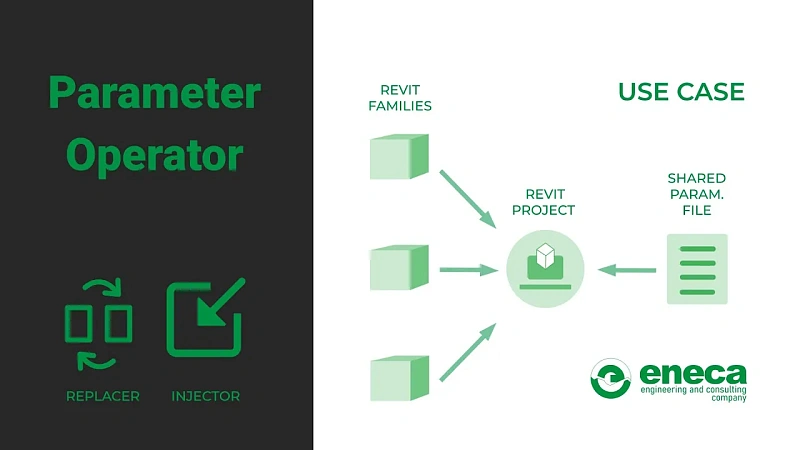
Deze plugin bevat een set tools voor het in bulk verwerken van familieparameters.
• Replacer — hiermee kunnen bepaalde gedeelde parameters door andere worden vervangen.
• Injector — hiermee kunnen gedeelde parameters in bulk aan families worden toegevoegd.
Struc&Pipe (Civil3D)
Automatisering van specificaties voor leidingnetwerken.

IFC Export Master
Plugin voor het exporteren van Civil 3D-elementen naar IFC-formaat.

Finishing
Deze plugin is bedoeld voor het werken met afwerking en is voornamelijk gericht op de architectuurafdeling. De module "Adjacency" wordt gebruikt om de aansluiting (aangrenzing) van wanden, vloeren, plafonds en hekwerken te bepalen.
Download Installation Manager
ReSave Models
Met deze plugin kunt u de projectmap ook in tabelvorm analyseren en, indien nodig, bestanden in bulk opnieuw opslaan met vooraf ingestelde profielen. Ook hiermee kunnen coördinatoren in bulk Revit-werkbestanden herstellen en aanmaken vanuit sjablonen.
Share Model
Maakt een taakmodel aan voor een andere discipline volgens de BIM-standaard van het bedrijf. Het taakmodel krijgt de aanduiding "-SHAR-" in de bestandsnaam. Hiermee kunnen elementen automatisch aan werksets worden toegewezen, zowel in het geopende bestand als in het taakbestand. Ook kan hiermee het overgedragen bestand worden opgeschoond van overbodige families, en meer.
Download Installation Manager
Links Manager
Hiermee kunt u gekoppelde bestanden in bulk laden, ontkoppelen en vervangen met vooraf ingestelde profielen. Daarnaast is het mogelijk projectinformatie, assen, peilen en andere gegevens vanuit gekoppelde bestanden naar het werkproject te kopiëren.
Auditor
Tool die kwaliteitsnormen voor BIM-modellen vastlegt en controleert of deze voldoen aan de EIR-vereisten (Exchange Information Requirements). De plugin controleert de elementen van het model op correcte invulling en voert daarnaast uitgebreide controles op het gehele model uit.
Replace style
Deze plugin wijzigt de stijlen van elementen van leidingnetwerken (leidingen, putten, drukleidingen, enz.).
Model Point
Plugin voor het overdragen van projectcoördinaten van Civil 3D naar Revit.
Families
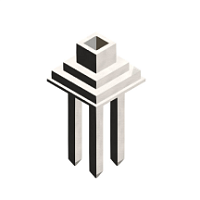
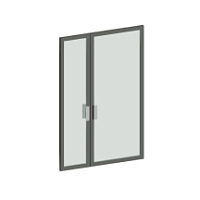
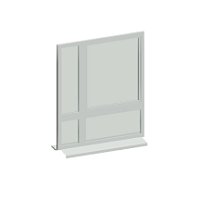
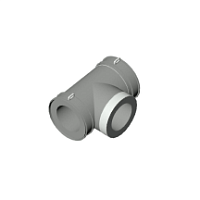
Wij zijn experts in meer dan 15 ontwerpdisciplines, wat essentieel is bij het ontwikkelen van hoogwaardige geparametriseerde families.
Offerte aanvragen
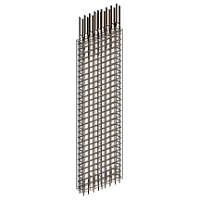
Pylonen
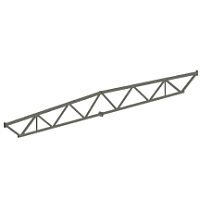
Vakwerken
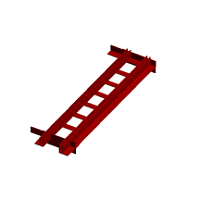
Dwarsverbindingen
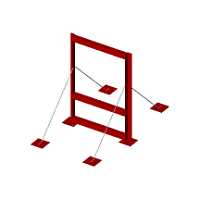
Portalen

Trappen
Funderingen
Meer laden
Deuren

Afwateringssystemen
Ramen
Meer laden
T-stukken

Brandmelders
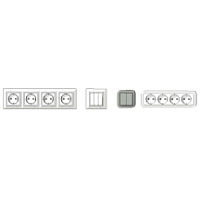
Schakelaars en stopcontacten
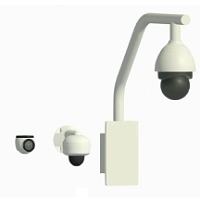
CCTV-camera's
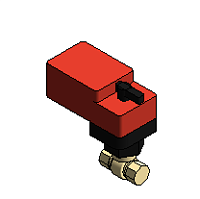
Elektrisch bediende kogelkraan
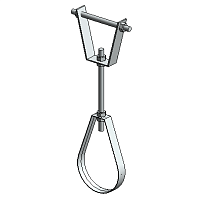
Bevestigingen voor luchtkanalen
Railsystemen

Convectoren

Verdelers
Meer laden
Voer uw project
samen met ons uit!
samen met ons uit!
Wij streven naar een voordelige samenwerking op het gebied van bouw en zijn bereid om te voldoen aan de eisen voor het ontwerpen van gebouwen van elke complexiteit, evenals voor het leveren van een volledig spectrum aan diensten tijdens de bouw ervan.
Offerte aanvragen