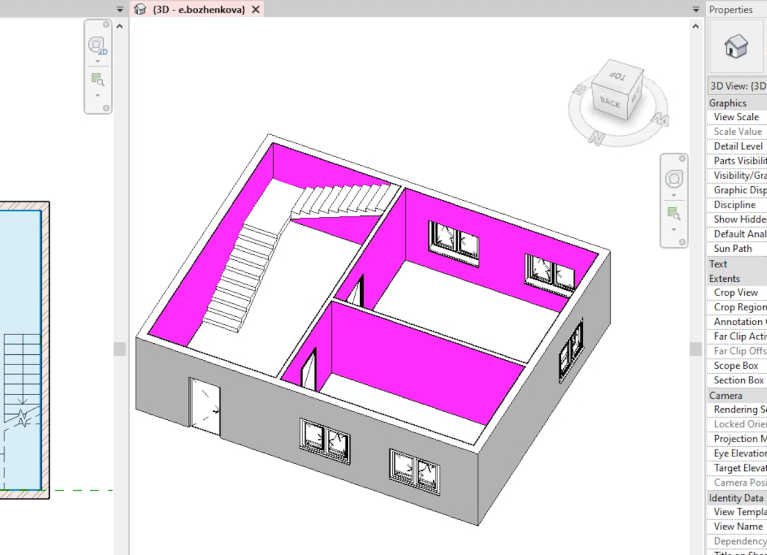

Automate BIM coordinate transfer with Model Point
Model Point is an innovative BIM solution that allows you to generate a task in the form of an XML file with coordinates for loading into Revit within minutes. Accurate coordinate transfer guarantees successful integration of various project disciplines into a single consolidated model.
It is worth noting that initially an Autodesk plugin was used for coordinate transfer; however, it did not account for the building's zero elevation and caused issues when converting the rotation angle along the axis. Therefore, the decision was made to develop our own plugin, Model Point, which is now used on every one of our projects.
Manual coordination of models between Civil 3D and Revit took experienced specialists about an hour per site. Even the slightest error could go unnoticed visually but would require rechecking and correction of coordinates in all models, leading to extended deadlines and reduced collaborative quality.
Solution – Model Point plugin
The Model Point plugin automates the preparation of coordinate tasks from Civil 3D, optimizing collaboration on the project. Once the General Plan section completes the vertical planning and "places" the building on the site plan, it provides coordinates along the building axes for correct positioning of the models developed in Revit. This ensures that the consolidated model has precise and neat placement of all elements in their correct coordinates. Within minutes, the plugin allows you to select measurement units, define base intersection points of axes, and correctly transfer building rotation angles, minimizing error risks.
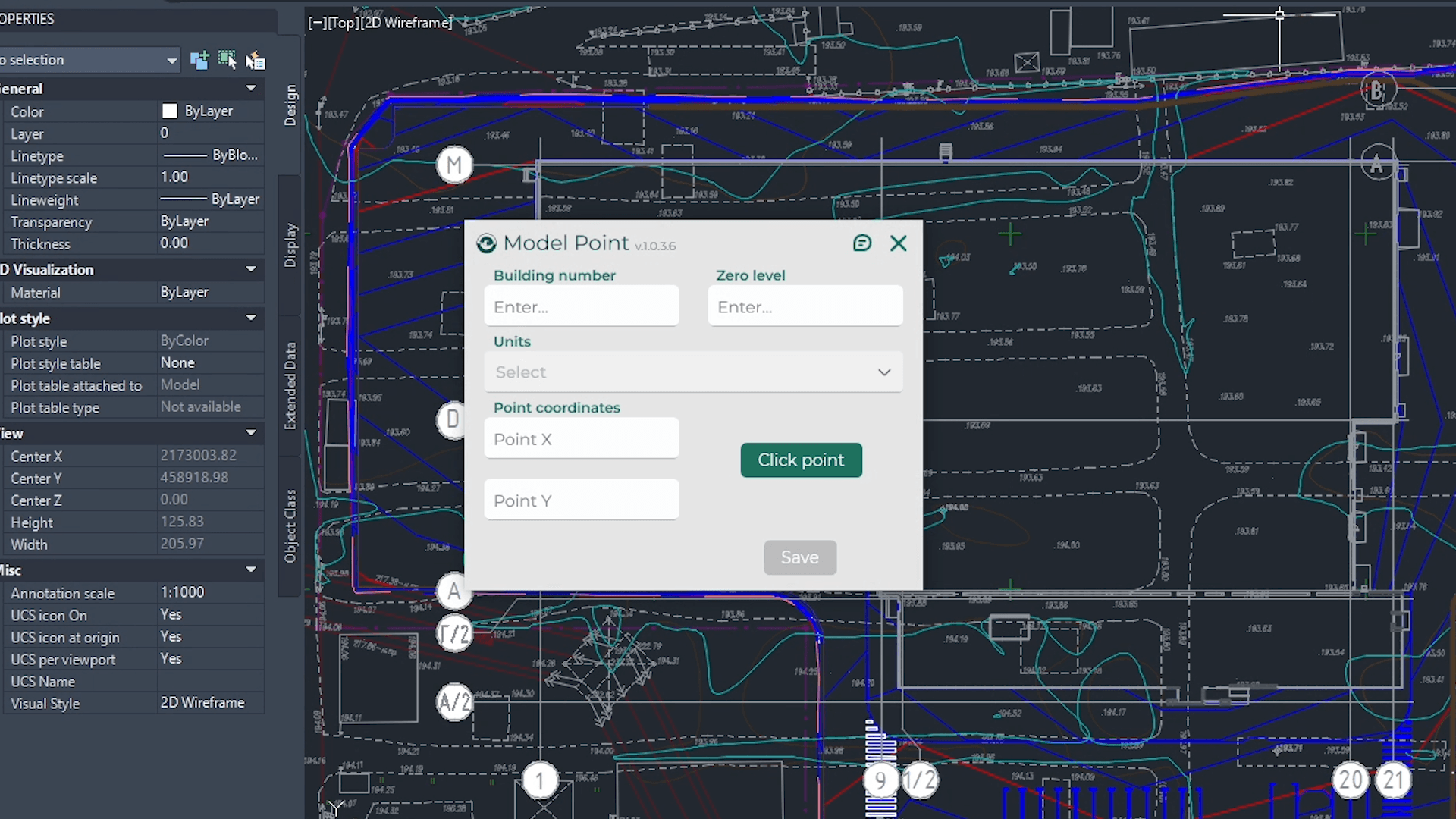
How the plugin works
- In an open task file, the Model Point plugin is selected via the Eneca tab.
- The building number and a "0" value are entered in the “Building Zero” field if unknown.
- Units of measurement are set (e.g., meters).
- Using the “Set Point” button, a base intersection point of the axes on the plan is selected and the direction is configured.
- For points with zero coordinates, values “0,0” are manually entered to avoid errors caused by overlapping the UCS (User Coordinate System) symbol.
- The resulting XML file is checked and, if necessary, manually corrected in a text editor.
Key results
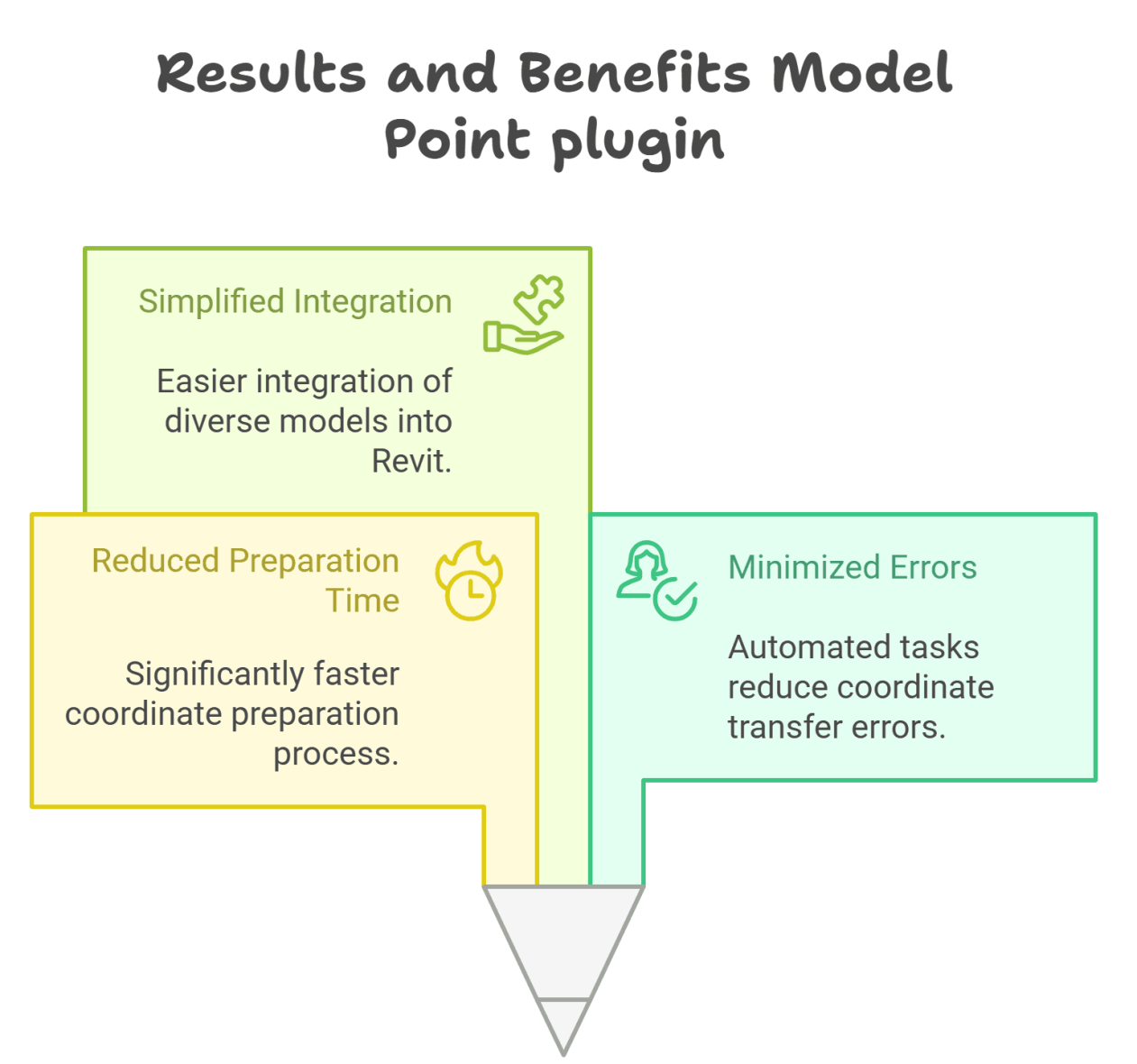
- The time for coordinate preparation was reduced more than sixfold.
- Errors in coordinate transfer are minimized due to automated task generation.
- Integration of models from various disciplines into a single consolidated Revit model is simplified.