
Automated creation of independent Share models
In BIM projects, especially when working according to the international ISO 19650 standard, a crucial stage is the clear separation of information progress zones - the work zone and the share zone. Designers work in the work model, while for transferring data to adjacent disciplines or the client, an assignment model (Share model) must be created.
Directly transferring the full work model often leads to several issues:
- Loss or corruption of worksets,
- Risk of unintended changes to the original model,
- Increased model size and complexity,
- Violation of ISO 19650 requirements on information zone separation,
- Manual preparation of the assignment model is time-consuming and prone to errors.
Automation with the ShareModel plugin
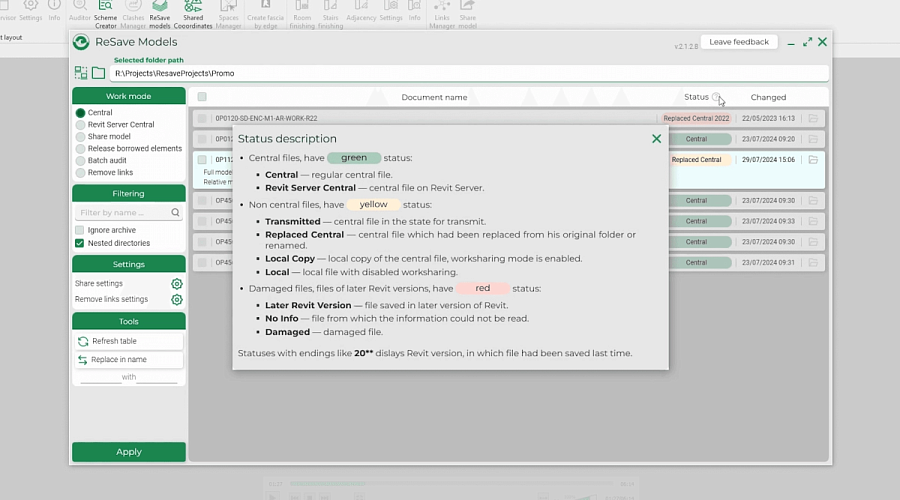
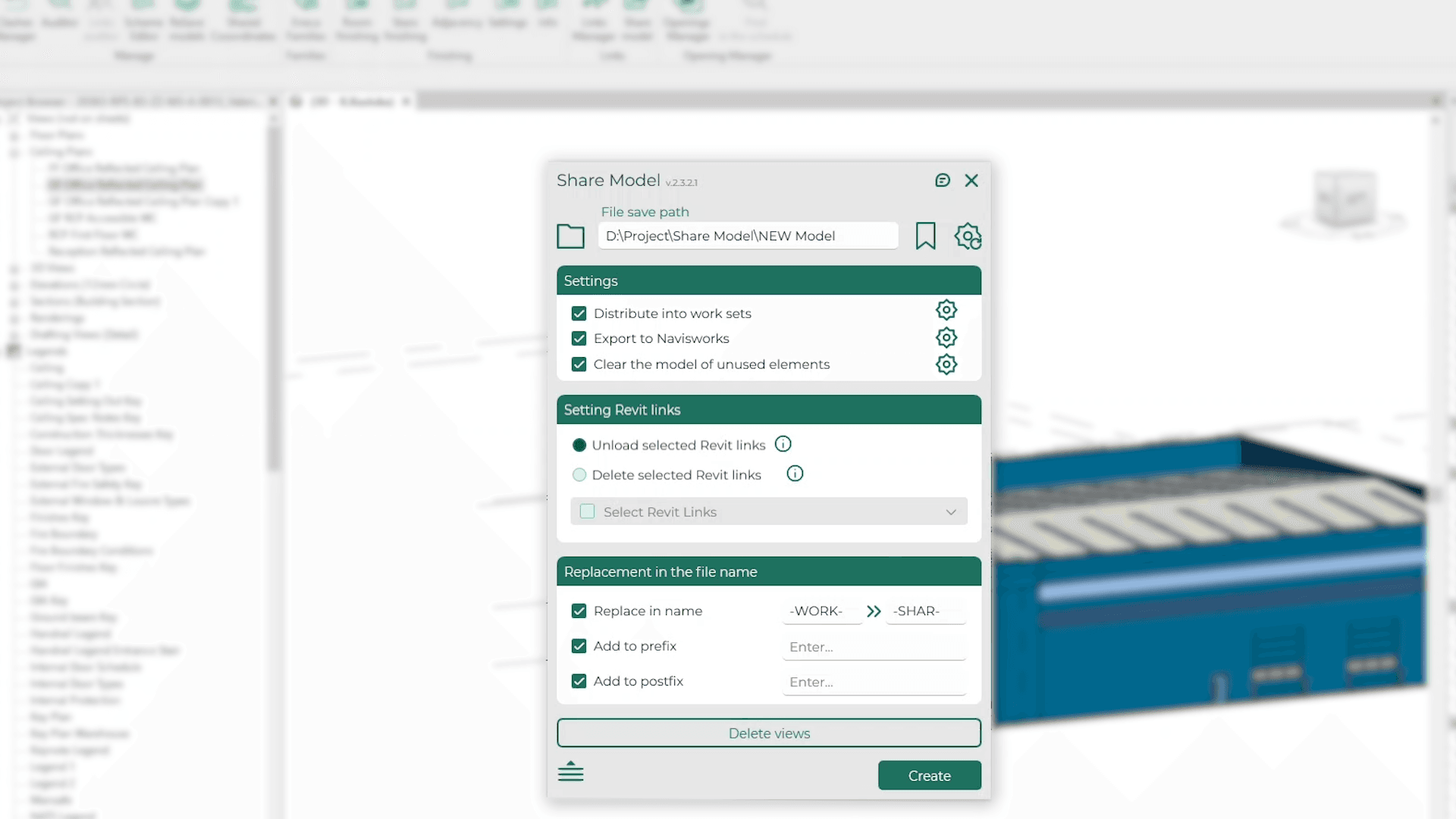
The ShareModel plugin enables the creation of an independent, detached copy of the work model with a single click. This copy receives the suffix -SHAR- in its name and is automatically saved to the Share zone folder. This Share model is fully detached from the central file and ready to be handed over to adjacent disciplines or the client.
This is the key advantage of the plugin because:
- The designer can continue working in the original work model without worrying about affecting the transferred copy.
- An updated Share model can be created at any time, preserving the integrity of the original.
- Clear separation of information zones complies with ISO 19650 and corporate BIM standards.
Additional plugin features
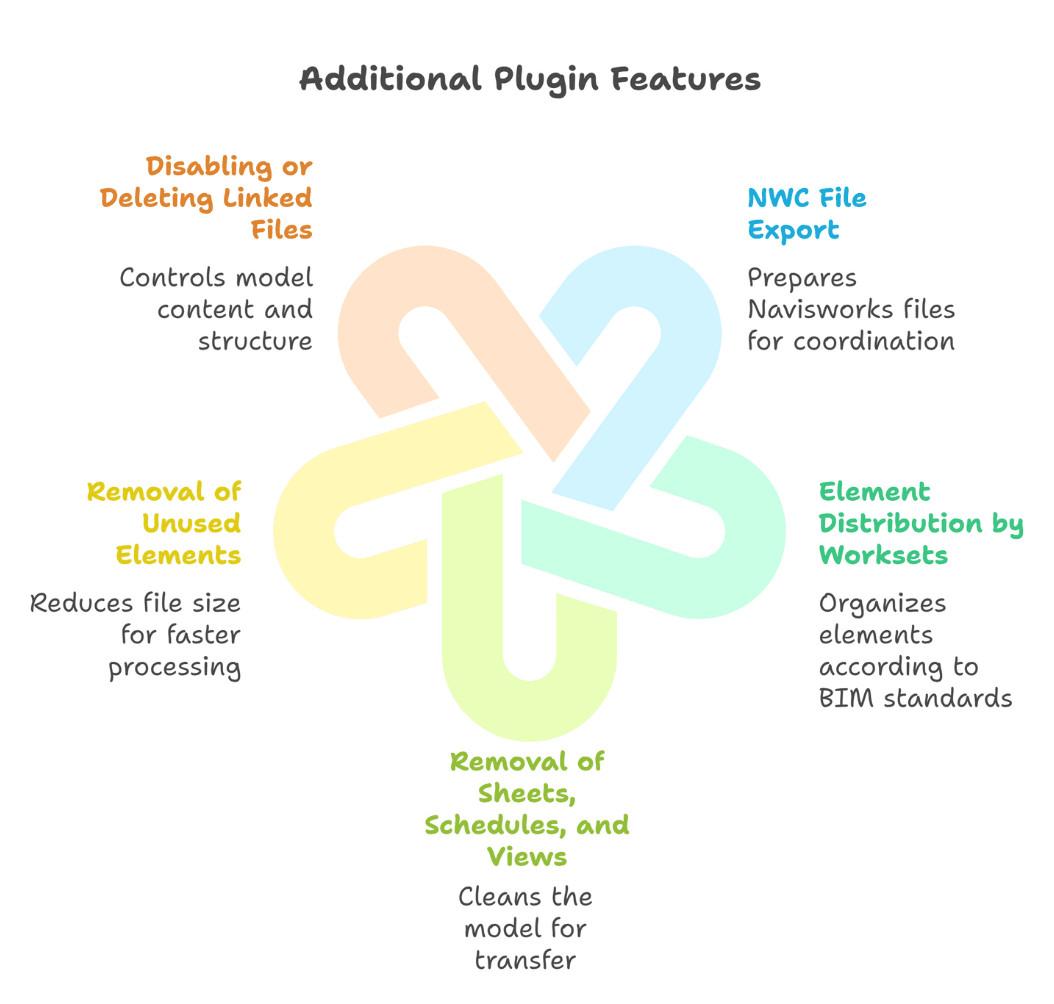
Beyond the core function of creating an independent Share model, the plugin offers several advanced capabilities:
- NWC file export: Prepares a Navisworks file for coordination and clash detection.
- Element distribution by worksets: Strictly according to BIM standards, customizable per discipline.
- Removal of sheets, schedules, and views: Cleans the model to include only necessary information for transfer.
- Removal of unused elements: Reduces file size, speeding up loading and processing.
- Disabling or deleting linked files: Controls the content and structure of the transferred model.
These additional features significantly reduce the time required to prepare the model for transfer and improve the quality of the shared data.
Benefits and Efficiency
Using ShareModel delivers tangible advantages:
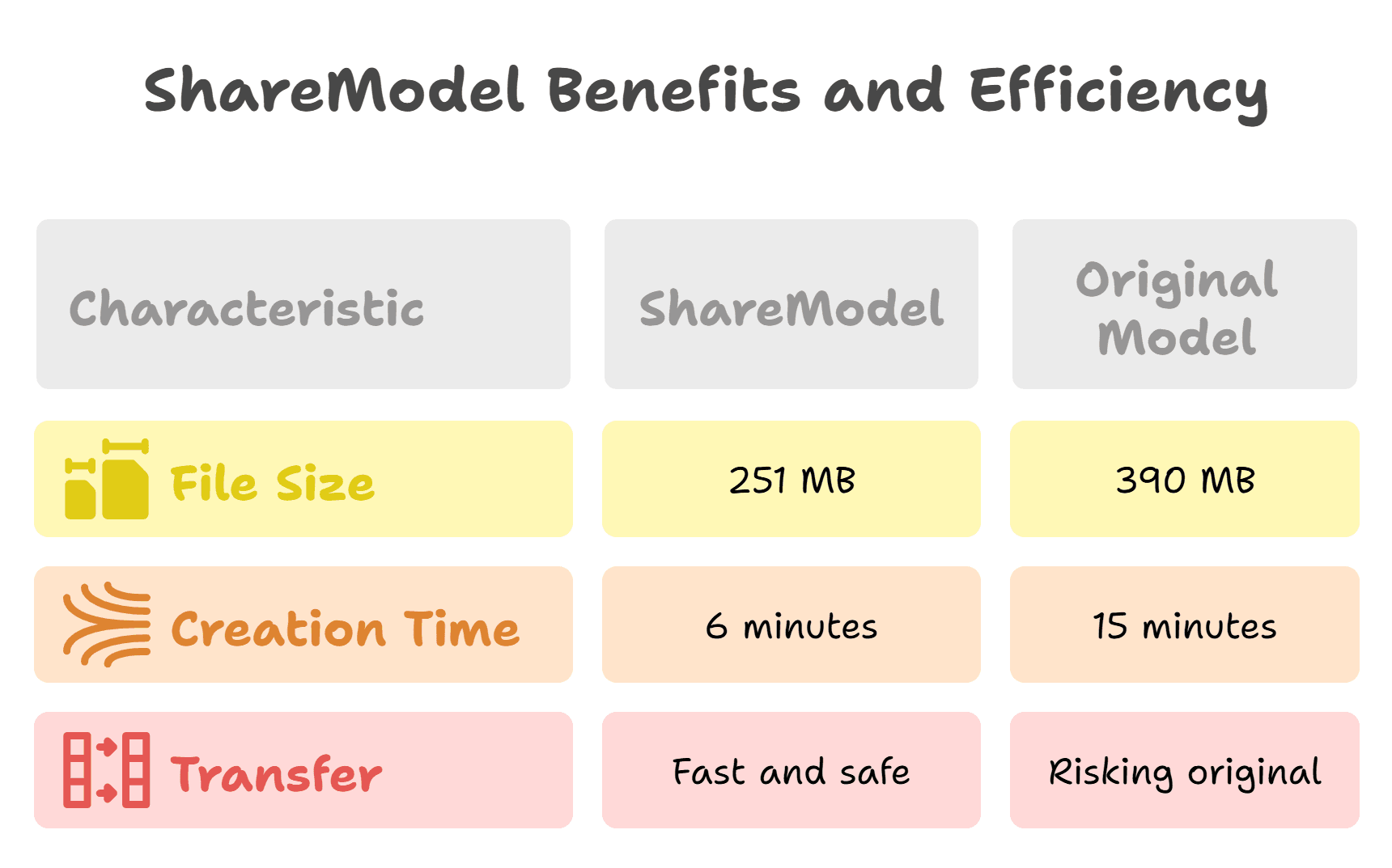
- File size reduction by 140%:
The Share model weighs about 251 MB, compared to the original work model’s 390 MB, easing transfer and storage.
- 150% faster model creation:
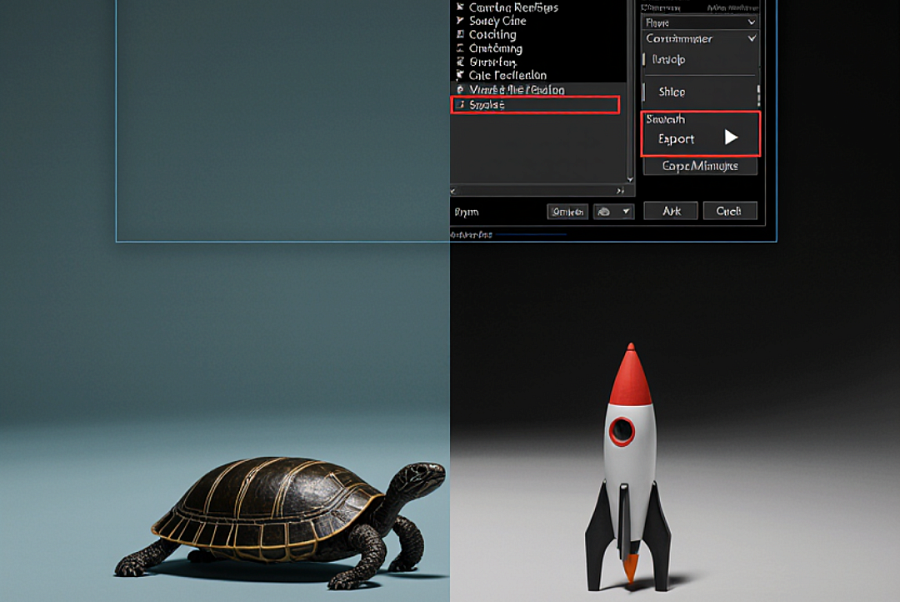
Creating a Share model takes approximately 6 minutes, whereas the standard process via eTransmit takes about 15 minutes.
- Fast and safe transfer of the copy to the client without risking the original work model.
Key results
The ShareModel plugin is an innovative solution that helps BIM teams effectively comply with ISO 19650 requirements by ensuring clear separation of information zones and creating independent assignment models. Its key feature - creating a detached copy of the work model - guarantees data integrity and flexibility in workflows. The additional functionality simplifies model preparation and cleaning, accelerating the transfer process and reducing the risk of errors.