
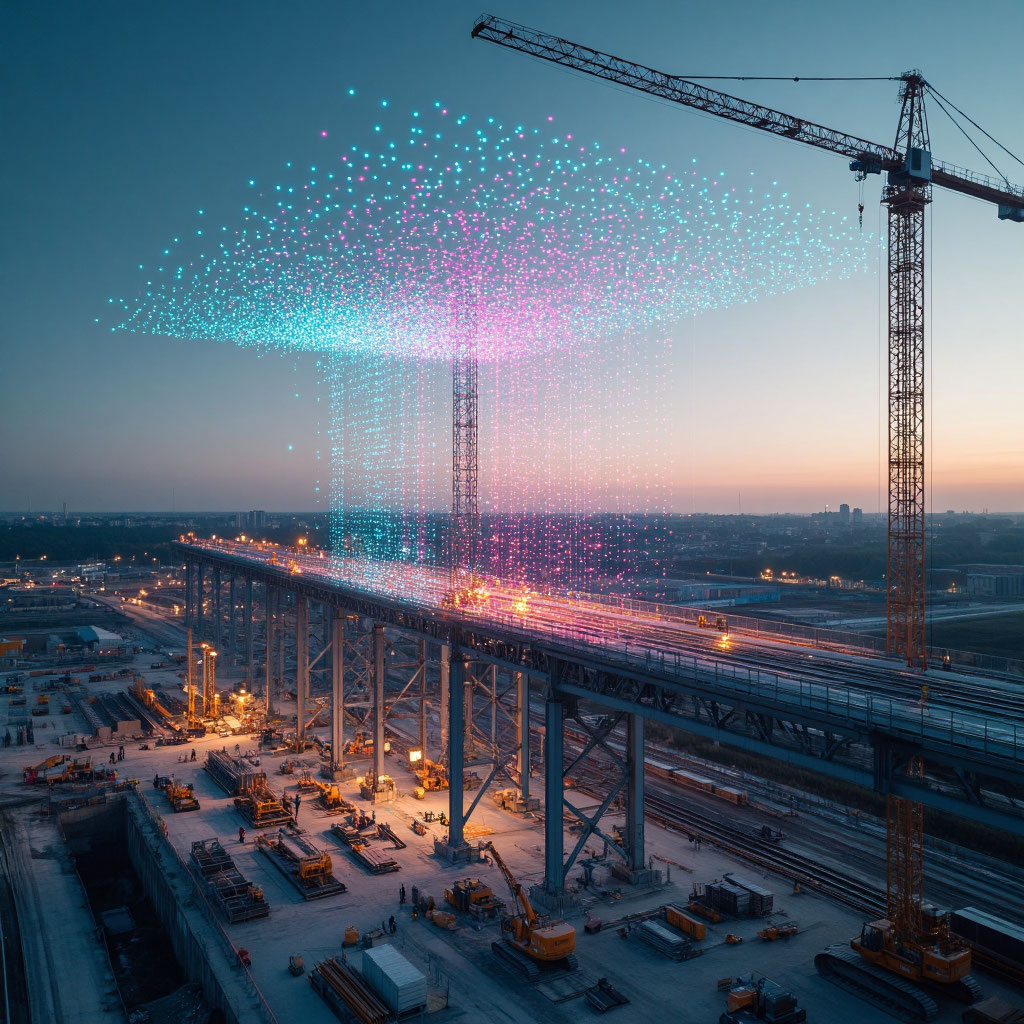
Point Clouds in Tekla Structures: Challenges and Advantages
Point Clouds in Tekla Structures: Challenges and Advantages
In the modern construction industry, accuracy is not just a desirable trait but a critical requirement. Laser scanning technology and point cloud data capture have transformed how we perceive and model existing conditions. Tekla Structures, as one of the leading BIM solutions, offers robust integration with scanning data, turning raw data into a powerful tool for designers, engineers, and builders. This article highlights the key advantages of working with point clouds in Tekla Structures.
1. Seamless Integration and Data Access
1. Seamless Integration and Data Access
One of the primary benefits of Trimble's approach is the ability to work with scanning data without needing to store large amounts of information locally. Starting from Tekla Structures version 2025, users can connect directly to the Trimble Reality Capture platform. This integration allows you to attach point clouds stored in Trimble Connect directly to your model, enabling real-time streaming of extensive data sets without occupying hard drive space. This method not only saves storage but also provides everyone involved in the project with immediate access to the latest data.
2. High Performance with Large Data Sets
Handling millions, and sometimes billions, of points has traditionally required significant hardware resources.
Tekla Structures addresses this challenge in several ways:
- Background Processing (Caching): When importing a local file, Tekla Structures creates an optimized cache in the Potree format in the background, allowing you to continue working while processing completes.
- Display Management: The system offers flexible adjustments to the number of displayed points using the parameter XS_SET_MAX_POINT_CLOUD_POINT_COUNT.
You can set a display limit (e.g., 10 million points) to ensure smooth navigation, while all points stay in the project but are shown as evenly distributed samples to enhance performance.
3. Accurate Georeferencing
A point cloud serves as a digital snapshot of reality, complete with geospatial referencing. Tekla Structures allows you to leverage this information fully. When attaching a point cloud, you can position it not just at the origin of the model but also at a specified base point. This ensures that your information model aligns perfectly with the real-world locations of buildings, equipment, or landscapes. All subsequent elements created in Tekla will be accurately placed from the outset, which is vital for renovation projects or new construction in constrained environments.
4. Powerful Visualization and Analysis Tools
Tekla Structures provides a comprehensive suite of tools for extracting value from scanning data.
The Point Clouds side panel offers several key features:
- Collision and Deviation Control: Perform conflict checks to identify points within designed details or at specified distances.
- Visual Verification: You can use the point cloud of a constructed object or major node for a "virtual assembly" with the design model.
- Clipping Tools: These tools make it easy to isolate specific areas within the point cloud, allowing focused analysis on particular nodes and details.

5. Modeling from Point Clouds
A significant advantage is the ability to create accurate 3D models directly from scanning data. Tekla Structures enables you to anchor to points in the cloud. When designing new elements (e.g., steel beams or piping), you can precisely locate them by referencing existing scan points. This capability results in highly accurate modeling that closely follows the real contours of buildings or equipment, minimizing discrepancies between design and actual installation.